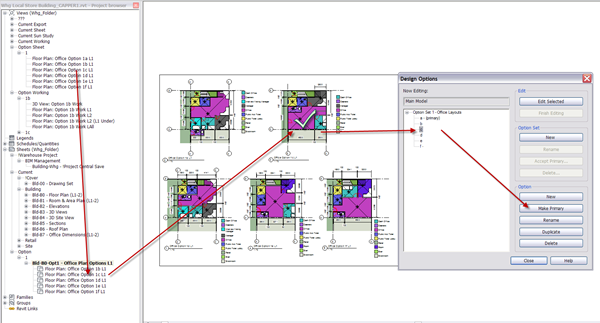
Revit OpEd sorts Project Browser Sorting

Thanks to Steve for this tip! I have been mucking about with templates, with browser sorting using shared parameters, and had exactly the same problem.
Revit OpEd: Dept. of Subtle - Can't Get Rid of Parameter Value - Project Browser Sorting
”When I was asked about it my answer was, "A view is assigned/using it." The response was, "No we've fixed all the views already but it won't go away!". We checked again using a view list and sure enough the rogue value wasn't being used.
That's when it occurred to me…”
On the topic of Browser Views/Sorting here are some of my wishes;
- Schedules could be sorted/display in the same way as views?
- Database characteristics could be included in item names (where the [] terms were fields from the database) for things like;
- [Option Set] [Option] View
- [Option Set] [Option] Schedule Name
- [Project No] Sheet No - Sheet Name
- [Option Set] Sheet Name
- Consistent between Arch & MEP. Some things still differ in 2009/2010 view properties out of the box.
- Easier to change in 2010 (bring back the browser filter dropdown).
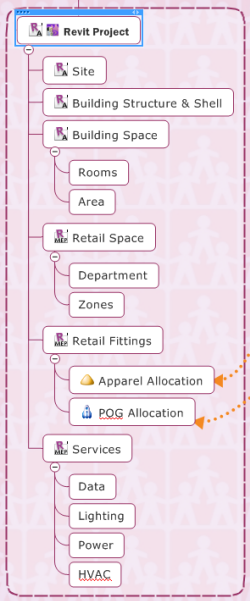
- Easier filtering, application and graphic indication of filters with item icons (per user too). MindManager is excellent at this (right) and it would be nice to see something like it’s power filters in the Revit browser.
These are just a few wishes, in fact I hope some of this is there already and I haven’t found it!