Leaving a Microsoft Teams (Guest) Account if no longer at the organization
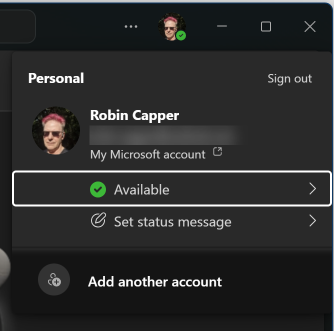
I found a Guest (Ghost) Account in my Personal Teams App, and it was hard to leave!

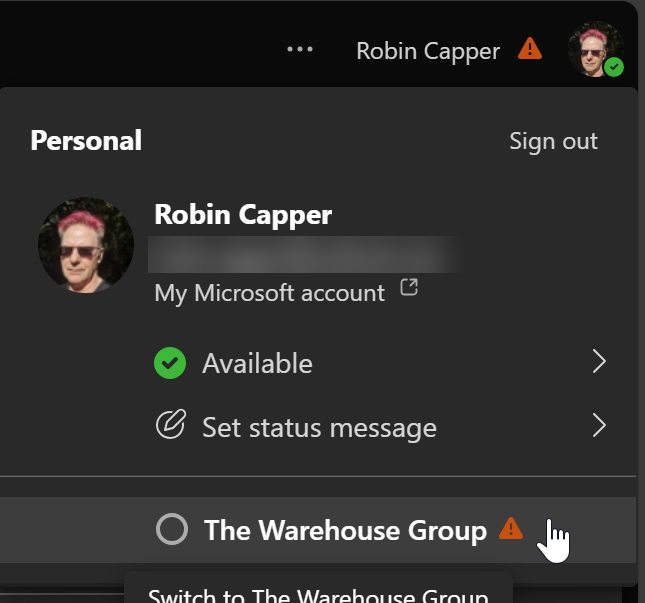
I used to work for The Warehouse Group several years ago and just found a TWG (Guest) Microsoft Teams share lurking in my personal teams. I use Teams for work all the time but hadn't used Teams Personal (on my own laptop) for ages, so hadn't noticed it before.
It had no access to anything—the associated work account was long disabled—but I could not remove it from Teams. It was not seen anywhere else in my PC Windows Settings or Microsoft account, other than within teams.
What I tried first:
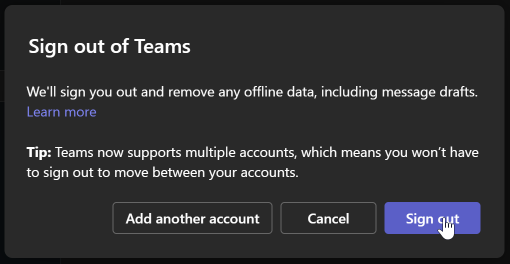
If I signed out of the TWG (Guest) account in the Teams App, and it said it was deleting all content:
There is no TWG work or school account to delete in Windows:

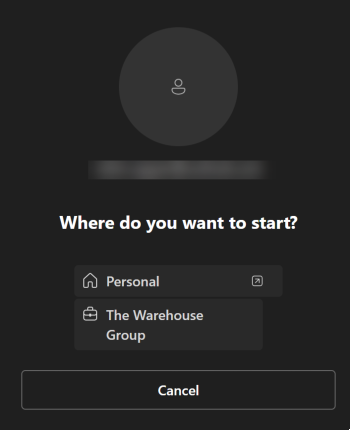
If I signed into Teams, with my personal account, the TWG (Guest) account was there again (and still no work account to remove):
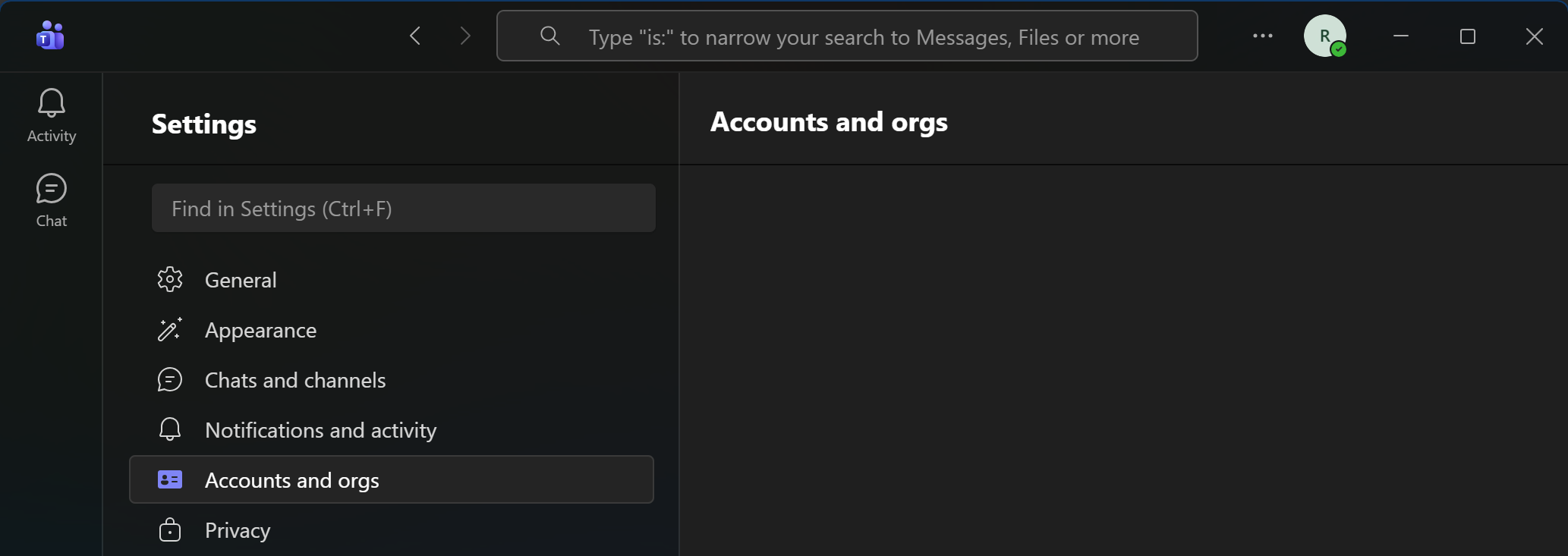
There was no TWG (Guest) account in Teams App Settings:
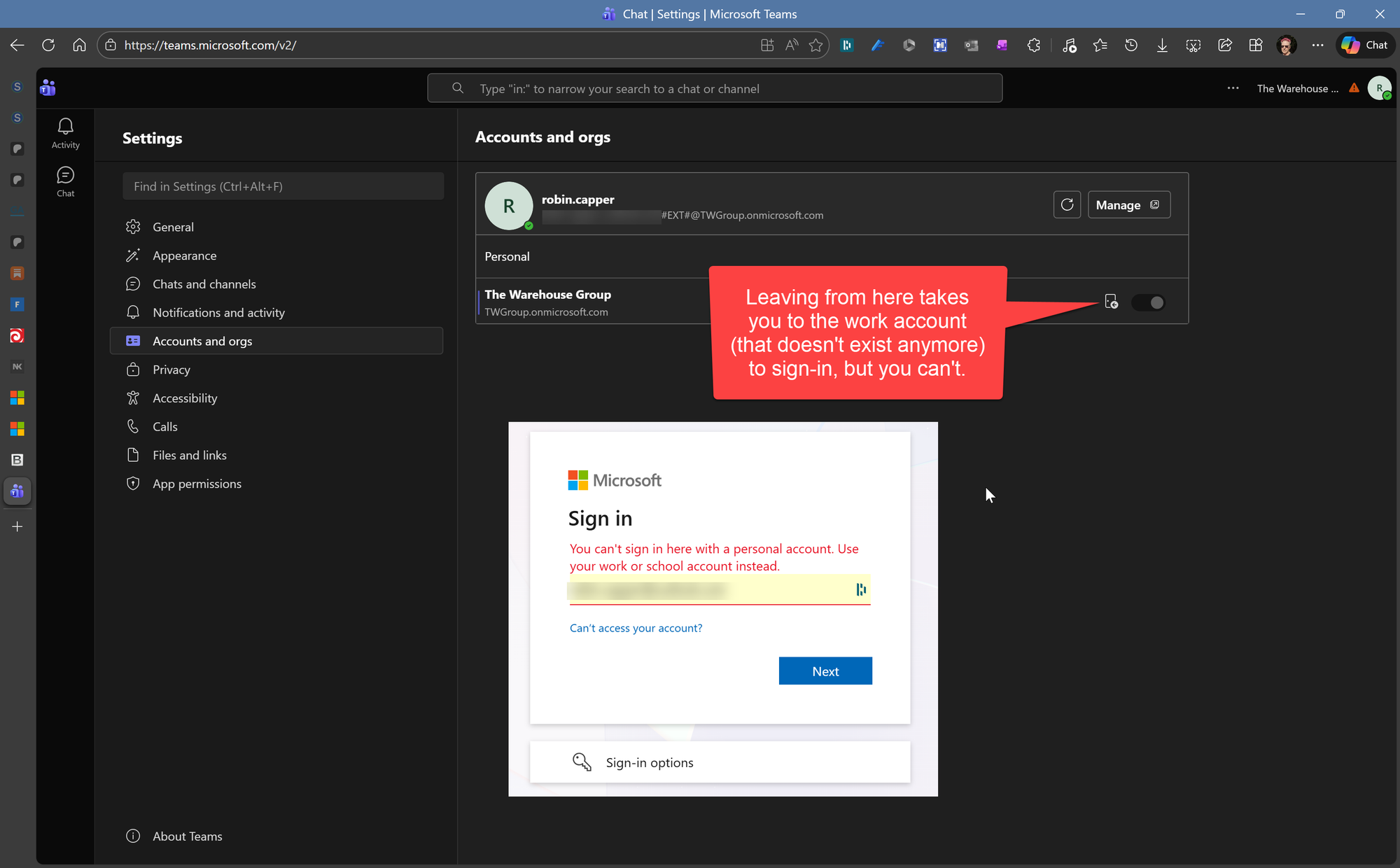
But when I signed into teams on the web the TWG (Guest) account was there but I could not 'Leave' it. Selecting Leave expected me to sign into the TWG (Guest) work account that isn't there. It was long deleted or disabled by TWG (as they should) and I could not sign in there with a personal account.
What Worked | Removal using Myapps at Microsoft.com
Then I found this post in the techcommunity.microsoft.com Teams forum:
Remove Guest Organisation from User where you no longer have the permission to login
Although your coworker doesn’t have access, they can still try to leave the organization manually (if the suggestion from Paul_Keijzers doesn't work).
He can try to do this following these steps:
- Go to https://myapps.microsoft.com
- Click on the Name icon on Top-right, then click on the 3 dots and click on "Leave new experience".
- On the reloaded to page, click on the Picture or icon and then click the Cog.
- Click on Leave Organization next to the one that's listed as Guest in Teams.
Be aware that a guest user can’t leave an organization if their account is disabled in either the home tenant or the resource tenant.
If their account is disabled, the guest user will need to contact the tenant admin, who can either delete the guest account or enable the guest account so the user can leave the organization.
Leaving from MyApps
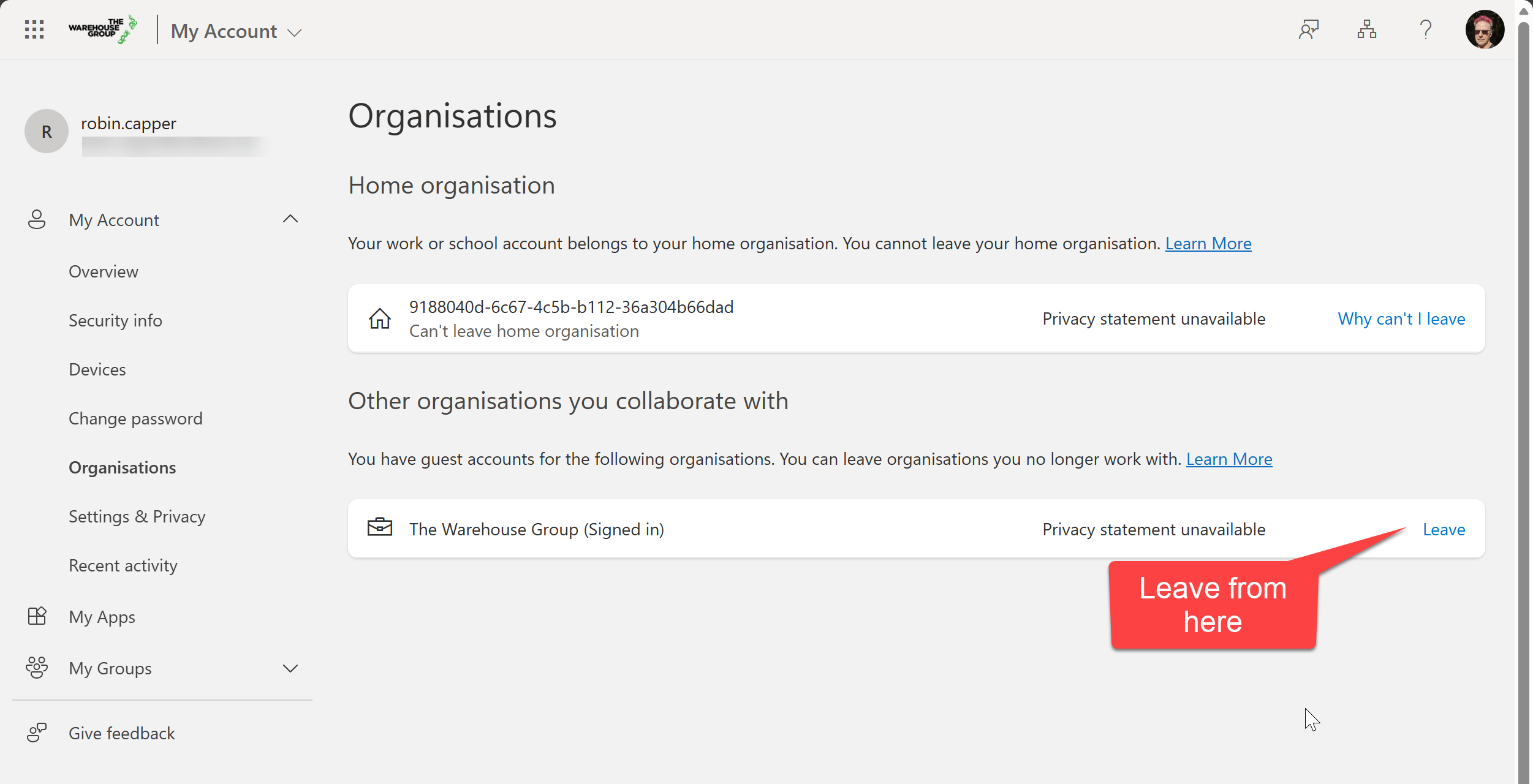
The myapps link took me to this page, where I could leave without any account sign in prompt:
But you still need to be patient
After 'Leaving' the account stayed in my Teams Web and Desktop for about 10 hours—presume until some Microsoft backend processing runs—before it was (finally) gone.