A free one-click Civil 3D (and AutoCAD) performance improvement
Make Civil 3D (and AutoCAD based apps) more stable and less 'laggy' with a click?

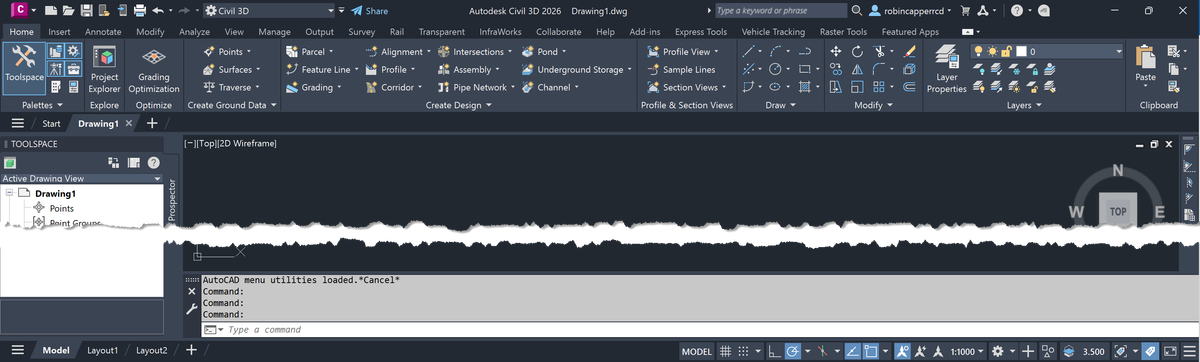
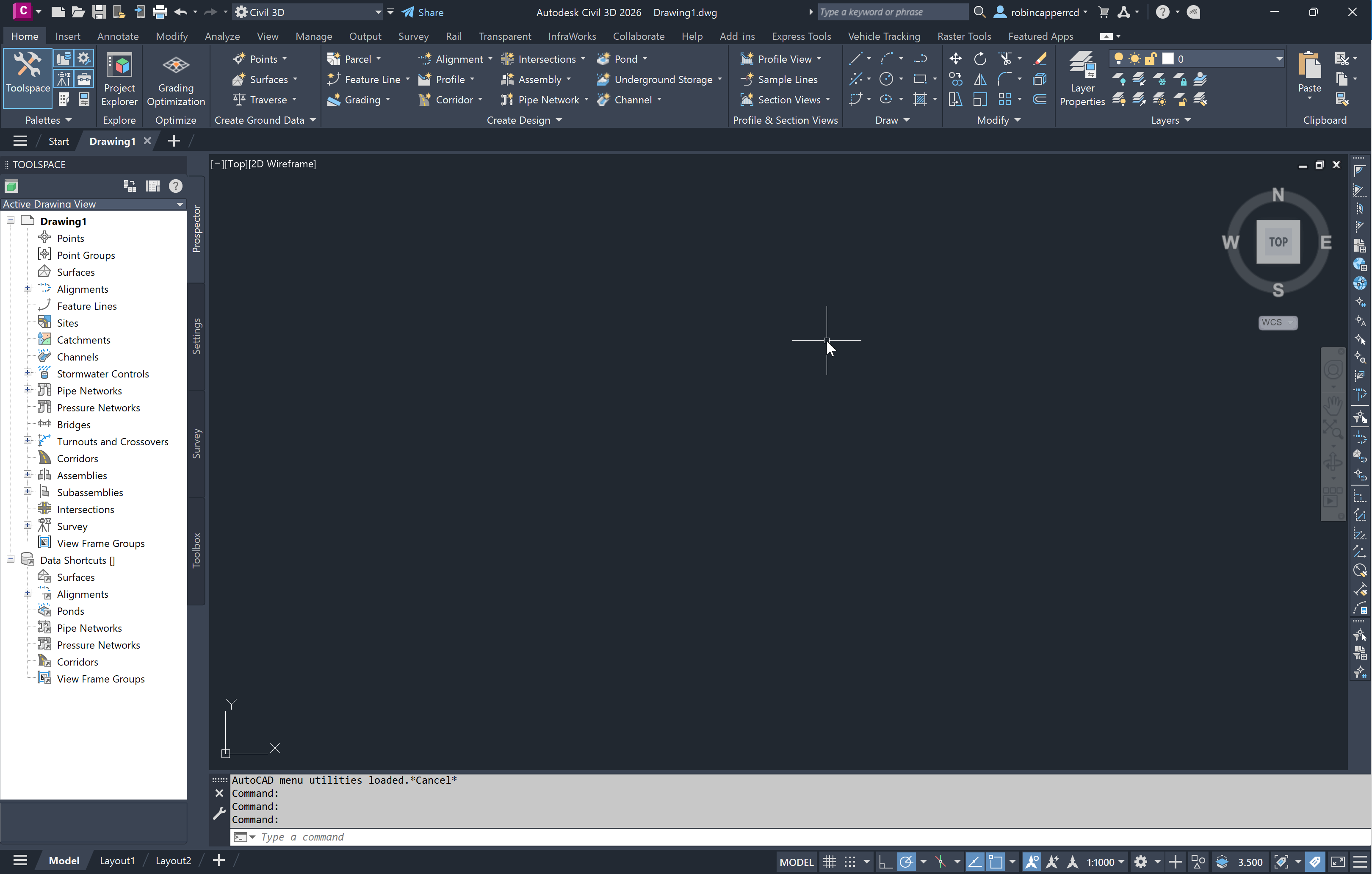
It may not work for all, but try relocating the default floating Command Line (below):
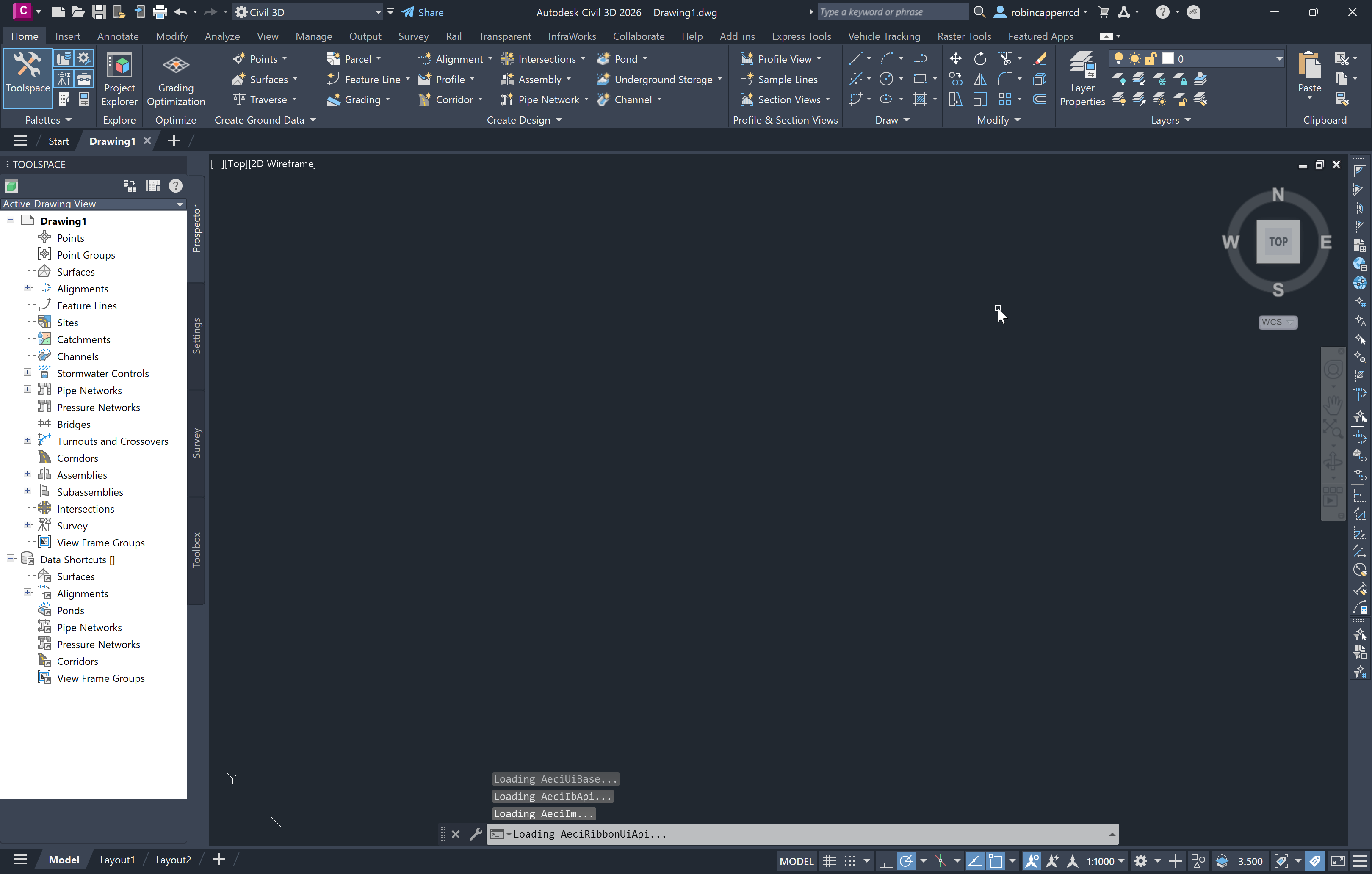
Drag it down to the bottom of the window until it docks (below). I've found this increases stability and also reduces mouse cursor lag/jump on many systems and I'm not alone.
I've no idea why, but wonder if removing the 'overlay', and associated transparency effect, takes some burden off the user interface refresh?